



Summary and export
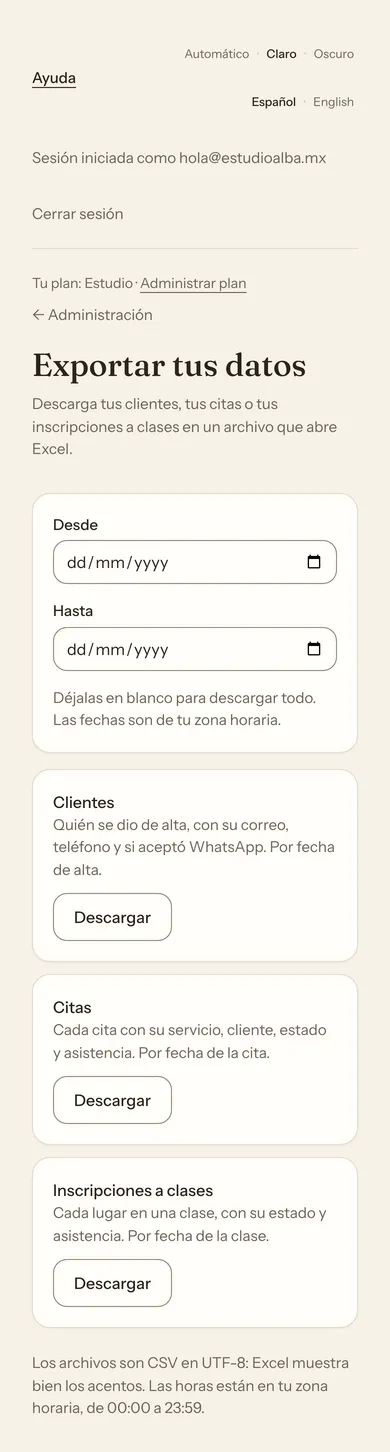
Resumen shows the month: sessions, attendance and recorded income. Exportar downloads everything as CSV for your accountant or spreadsheet.
Open Resumen; switch months at the top.

Open Exportar and download customers, bookings and packages.
Note: Each month you receive the summary by email, if you keep it on in Ajustes.
Didn't find what you were looking for?
Write to us at hola@cupolibre.com.mx and we will help.