



Your account and your data
Your email, your mobile for WhatsApp, the language and the theme. You can delete your account whenever you like.
Open Perfil from your account.
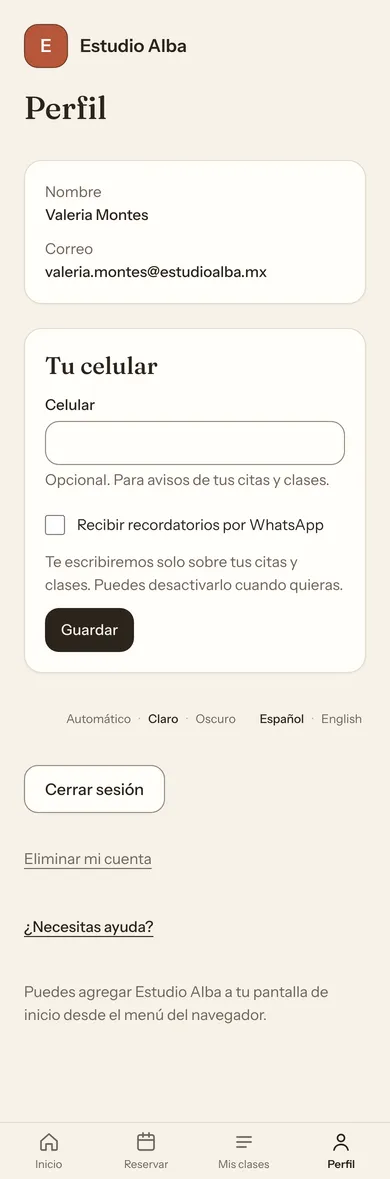
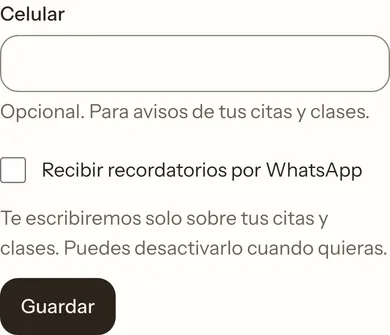
Tick "Recibir recordatorios por WhatsApp" and enter your mobile, if you want notices there.
Change the theme (light, dark, automatic) and the language at the foot of the page.

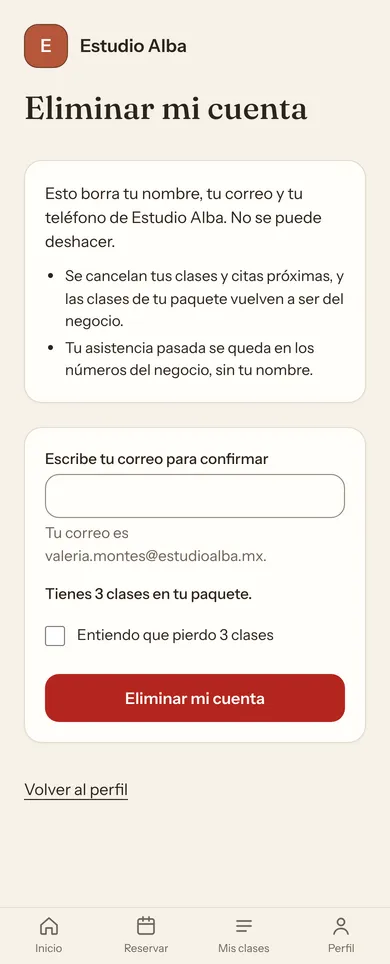
"Eliminar mi cuenta" deletes your data; your past bookings stay nameless for the business.
Related
Didn't find what you were looking for?
Write to us at hola@cupolibre.com.mx and we will help.