



Your confirmation
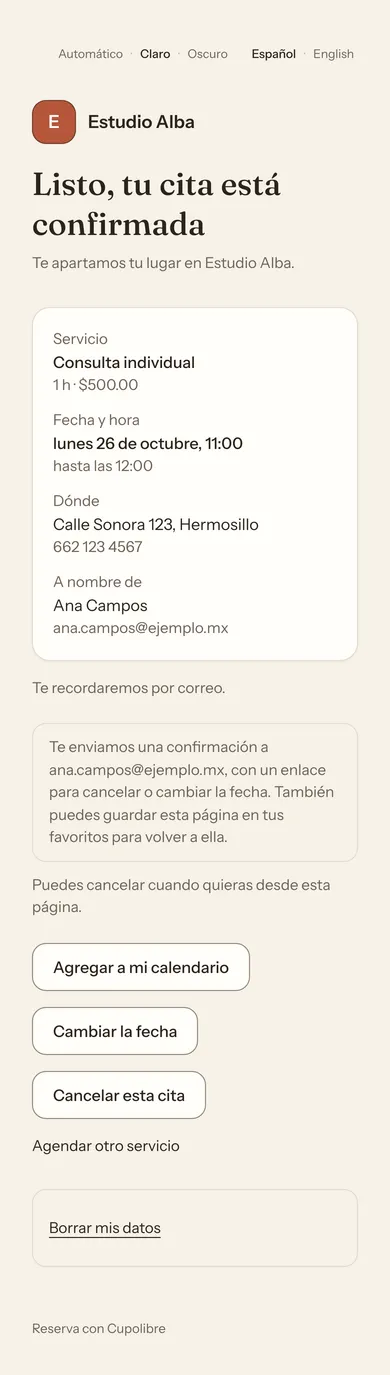
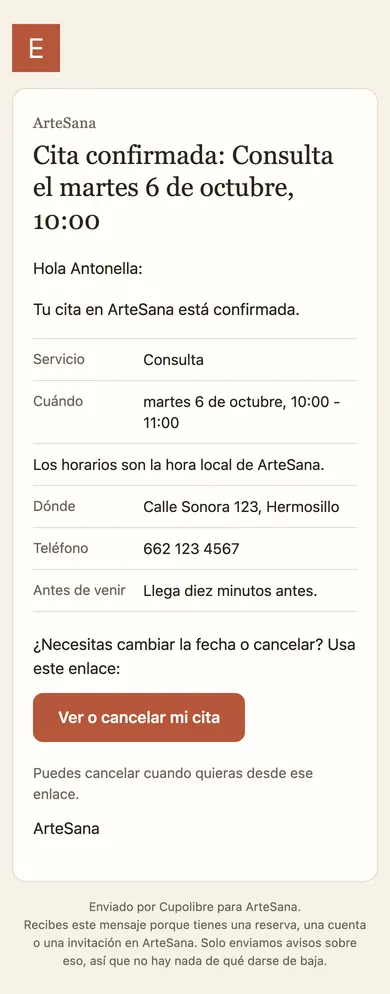
When you confirm you see the booking on screen and get an email with the day, time, address and a link to cancel. The evening before, you get a reminder.
The confirmation screen: you can add it to your calendar.
The email has the same link to cancel; keep it.
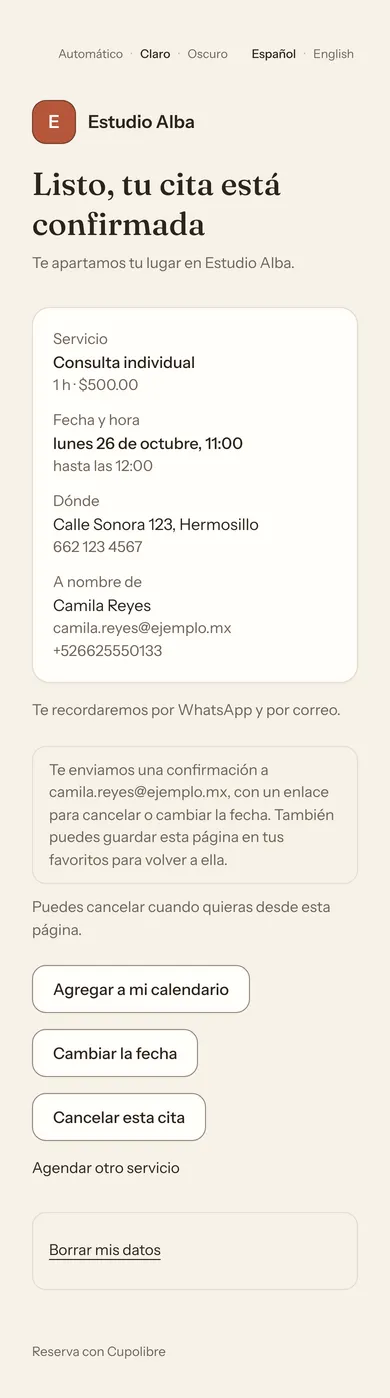
If you opted in to WhatsApp, the confirmation and the reminder also arrive there.
Related
Didn't find what you were looking for?
Write to us at hola@cupolibre.com.mx and we will help.