



Cancelling and the business's policy
Each business decides how far in advance you can cancel without losing your session. You see it before confirming and in your email.
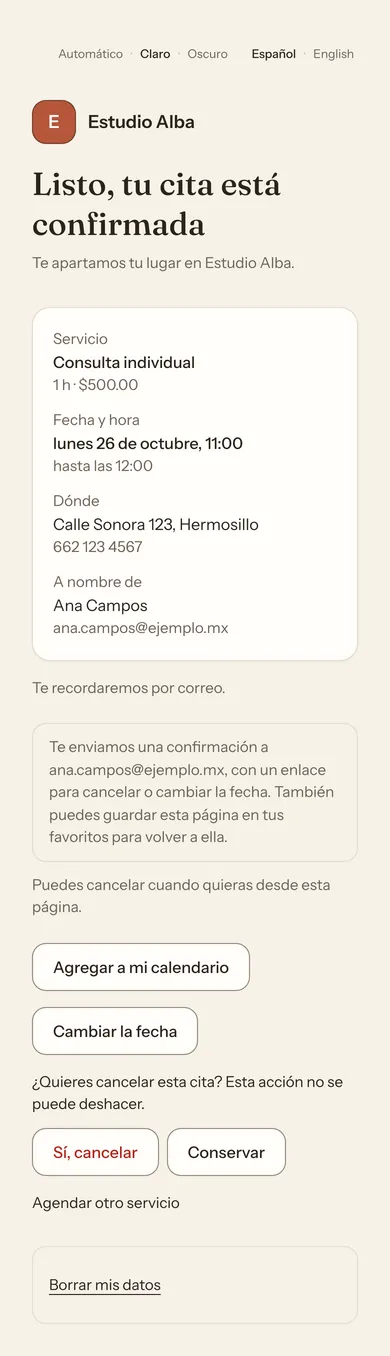
Open the link in the email, or the booking in your account, and tap "Cancelar".
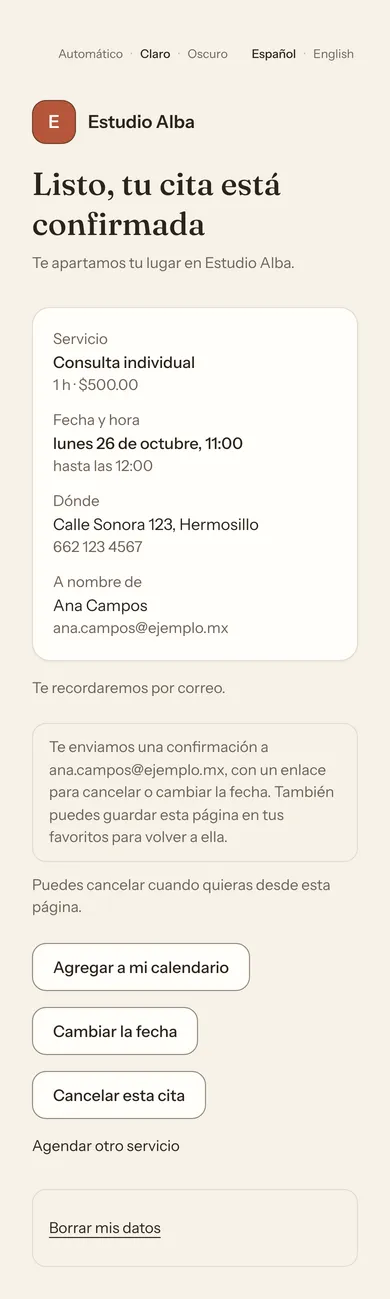
If you are inside the window, the session returns to your package; if not, the screen tells you what happens before you confirm.
Related
Didn't find what you were looking for?
Write to us at hola@cupolibre.com.mx and we will help.