



Cancellations and no-shows
You decide how far in advance a cancellation keeps the class, and what happens when someone cancels late or does not show. The platform applies it and tells the customer before they confirm.
In Ajustes, scroll to "Reglas".
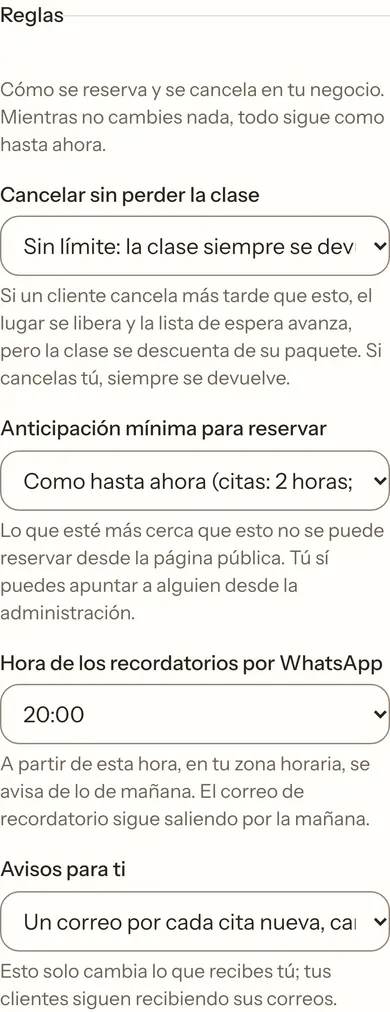
Type the notice hours in "Cancelar sin perder la clase", for example 24.
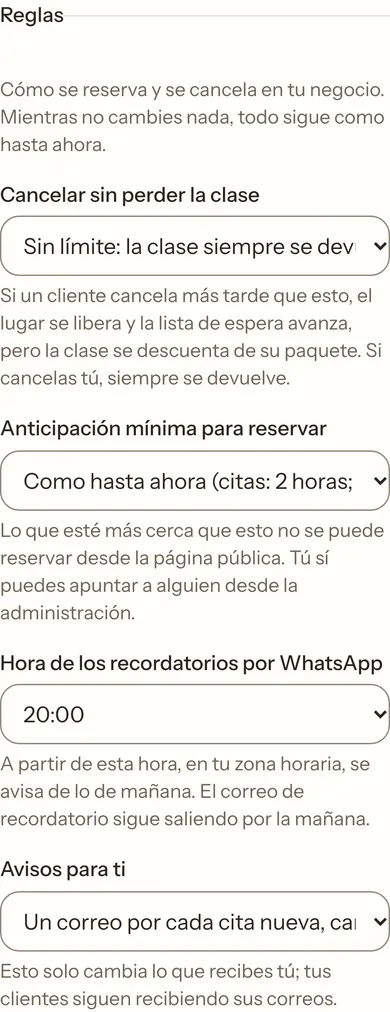
Choose what happens outside that window: the class is lost, or it returns to the package. Save.
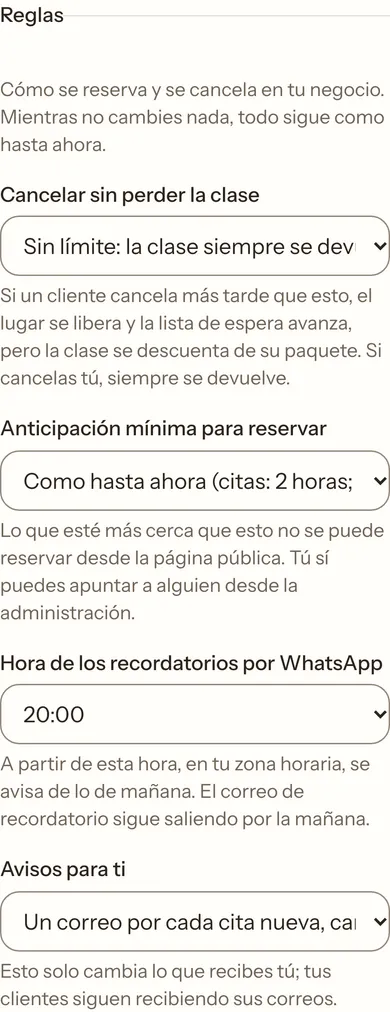
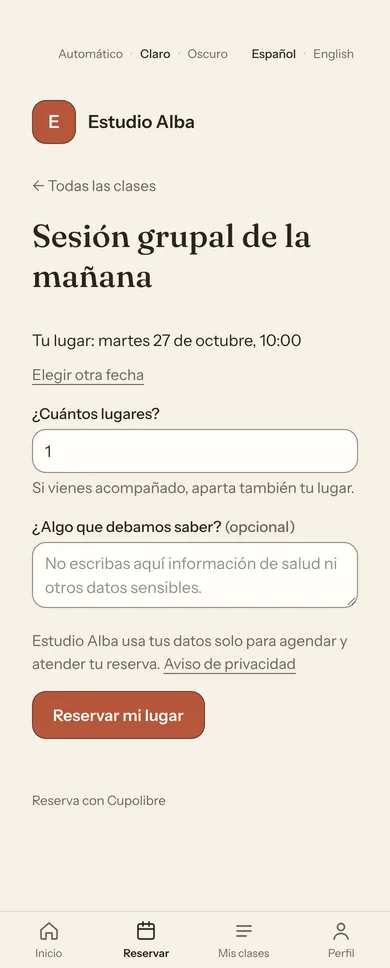
This is what the customer sees when confirming a booking.
Related
Didn't find what you were looking for?
Write to us at hola@cupolibre.com.mx and we will help.