



Today: attendance and payment
Hoy shows today: each session with its list, who came and who owes. It is the screen to keep open on your phone.
Open Hoy.
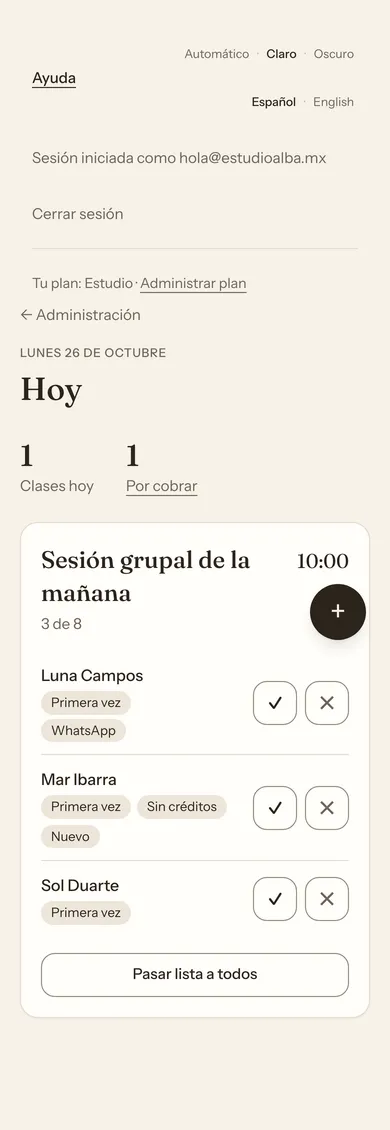
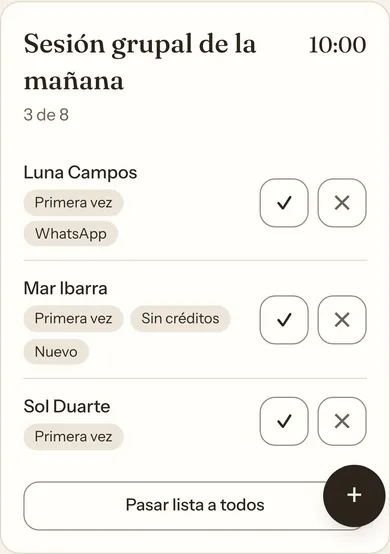
Tap the name of whoever arrived to mark them, or "Pasar lista a todos" if everyone came.
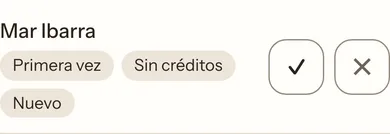
"Por cobrar" marks whoever has no package or payment on file; register the payment from there.
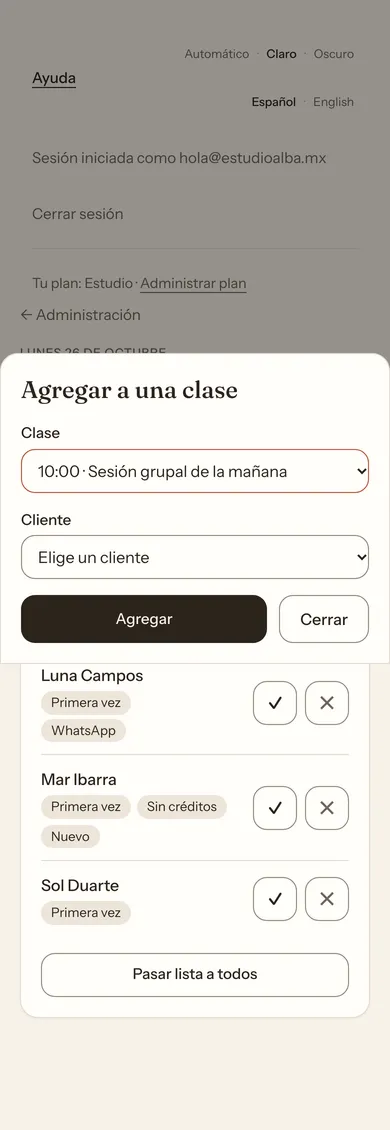
The + button adds someone to the session on the spot, even if it is full.
Related
Didn't find what you were looking for?
Write to us at hola@cupolibre.com.mx and we will help.