



Group sessions
A class is a session with capacity: several people at the same time. Each date is a session; customers book a place.
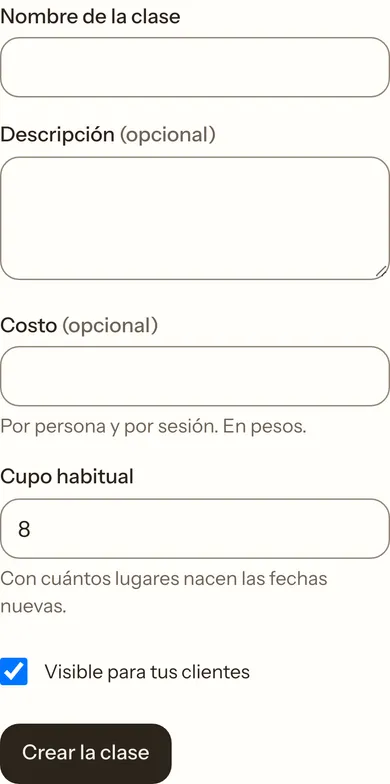
Open Clases and create a class with name, duration and capacity.
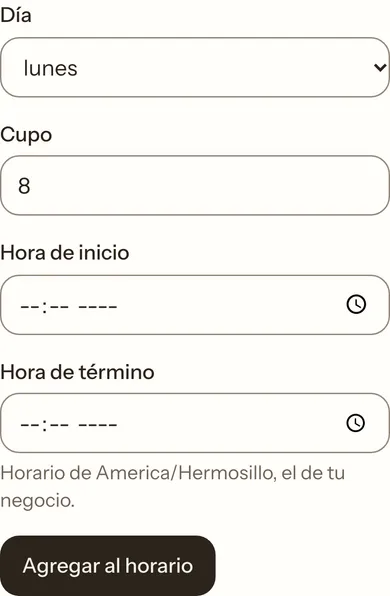
Add sessions: one date and time, or a weekly series.

To change the capacity of one date only, open it and edit; the rest stays.
If you move or cancel a session, the people booked are told automatically and, if they had a package, the class returns to their balance.

Related
Didn't find what you were looking for?
Write to us at hola@cupolibre.com.mx and we will help.