



Opening hours
Opening hours say when appointments can be booked. Group sessions have their own date and time, separately.
Open Horarios.

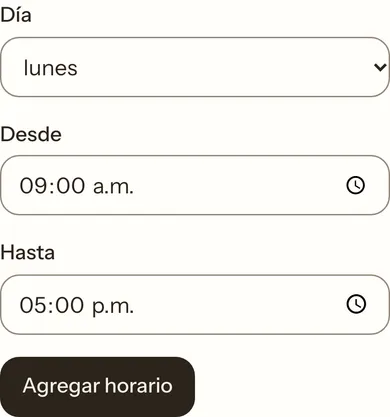
Each day has an Open or Closed switch. Closing a day keeps its hours and opening it brings them back. Type the blocks, for example 10:00 to 14:00 and 16:00 to 19:00.
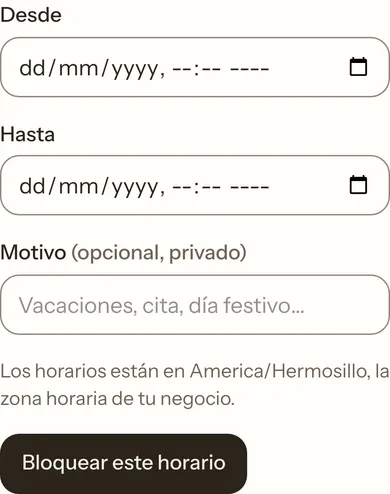
For just one day (a holiday, a personal appointment) use Time off and enter the date.
Related
Didn't find what you were looking for?
Write to us at hola@cupolibre.com.mx and we will help.