



Booking a group session
Group sessions have limited places. You see how many are left before booking. You usually need an account, so your package is yours.
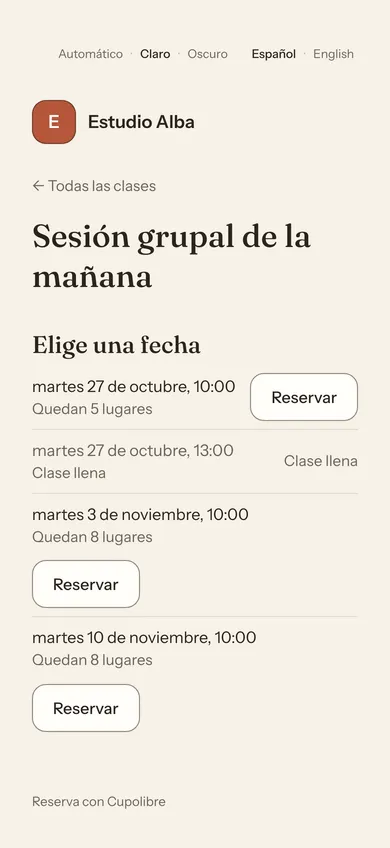
Tap the session and choose the date; each date shows the places left.
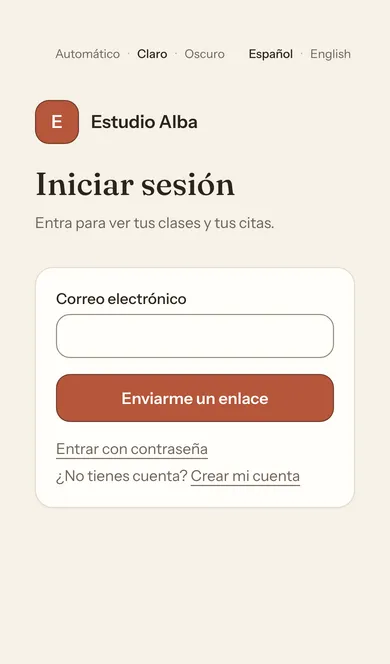
Sign in or create an account with your email.
Confirm. If you have a package, one session is deducted; if not, you pay at the business or buy a package.
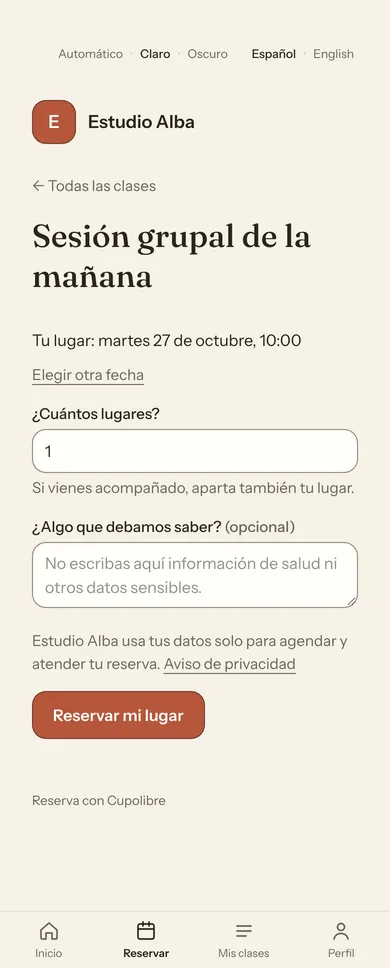
Note: Booking for two? You can take more than one place in the same session.
Related
Didn't find what you were looking for?
Write to us at hola@cupolibre.com.mx and we will help.