



Your business details
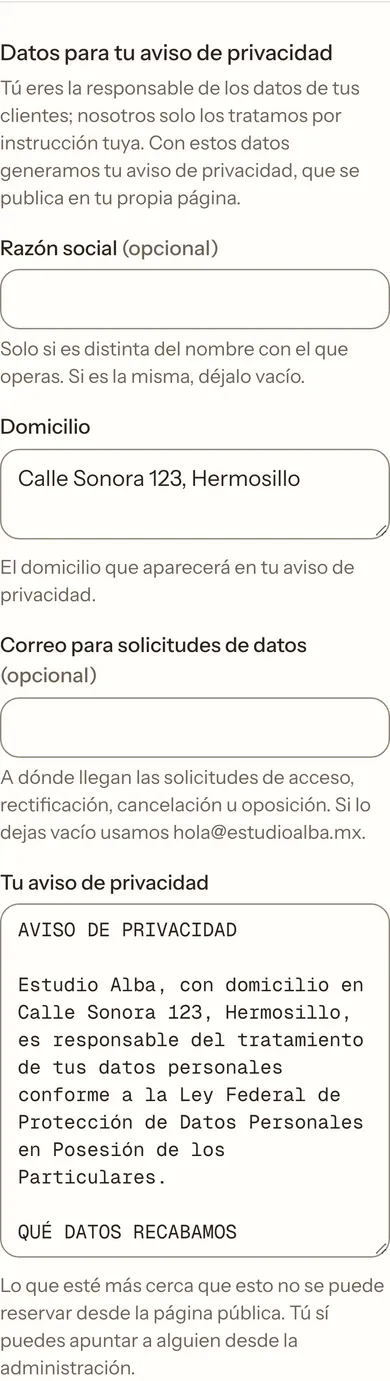
Name, description, logo, colour, time zone and address. The address appears in your privacy notice; the law requires it.
Go to Ajustes.

Type the name as you want customers to see it and a one-line description.

Upload your logo and, if you have one, your brand colour. The preview shows the result.
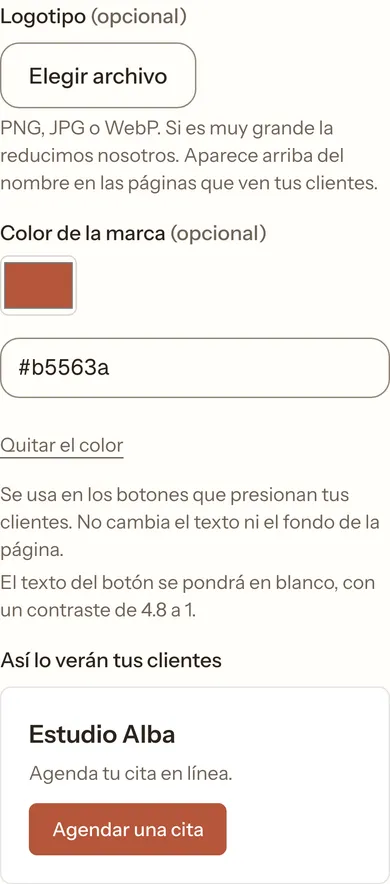
Fill in the address under "Datos para su aviso de privacidad" and save.
Related
Didn't find what you were looking for?
Write to us at hola@cupolibre.com.mx and we will help.