



Your first look
When you sign in as an administrator you land on Administración: a checklist of what is left to make your page ready, and the way into each part.
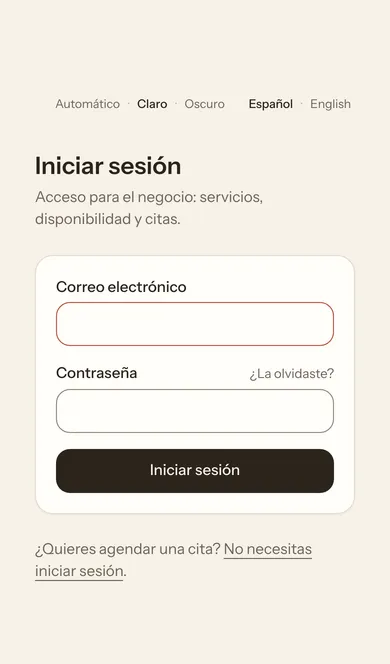
Sign in with your email and password at your business's address, for example `your-business.cupolibre.com.mx/es/login`.
The card "Para dejar tu página lista" shows what is done and what is left. Each line opens the screen where it is done.

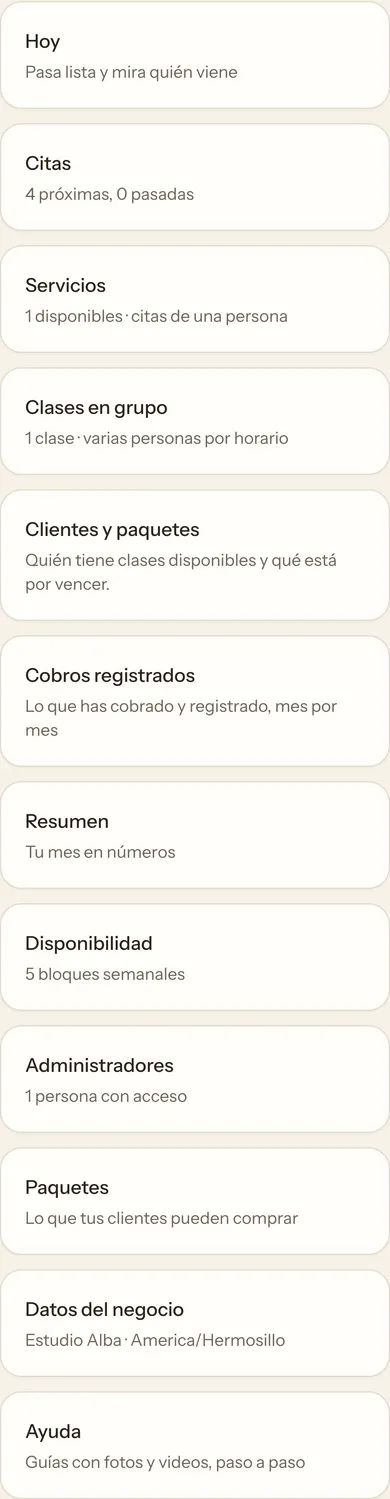
Below are the sections: Hoy, Servicios, Horarios, Clases, Clientes y paquetes, Resumen, Exportar, Ajustes.
Note: Your public page is the same address without `/login`. Share it once the checklist is complete.
Related
Didn't find what you were looking for?
Write to us at hola@cupolibre.com.mx and we will help.